Features For your customers
Customers book in three steps
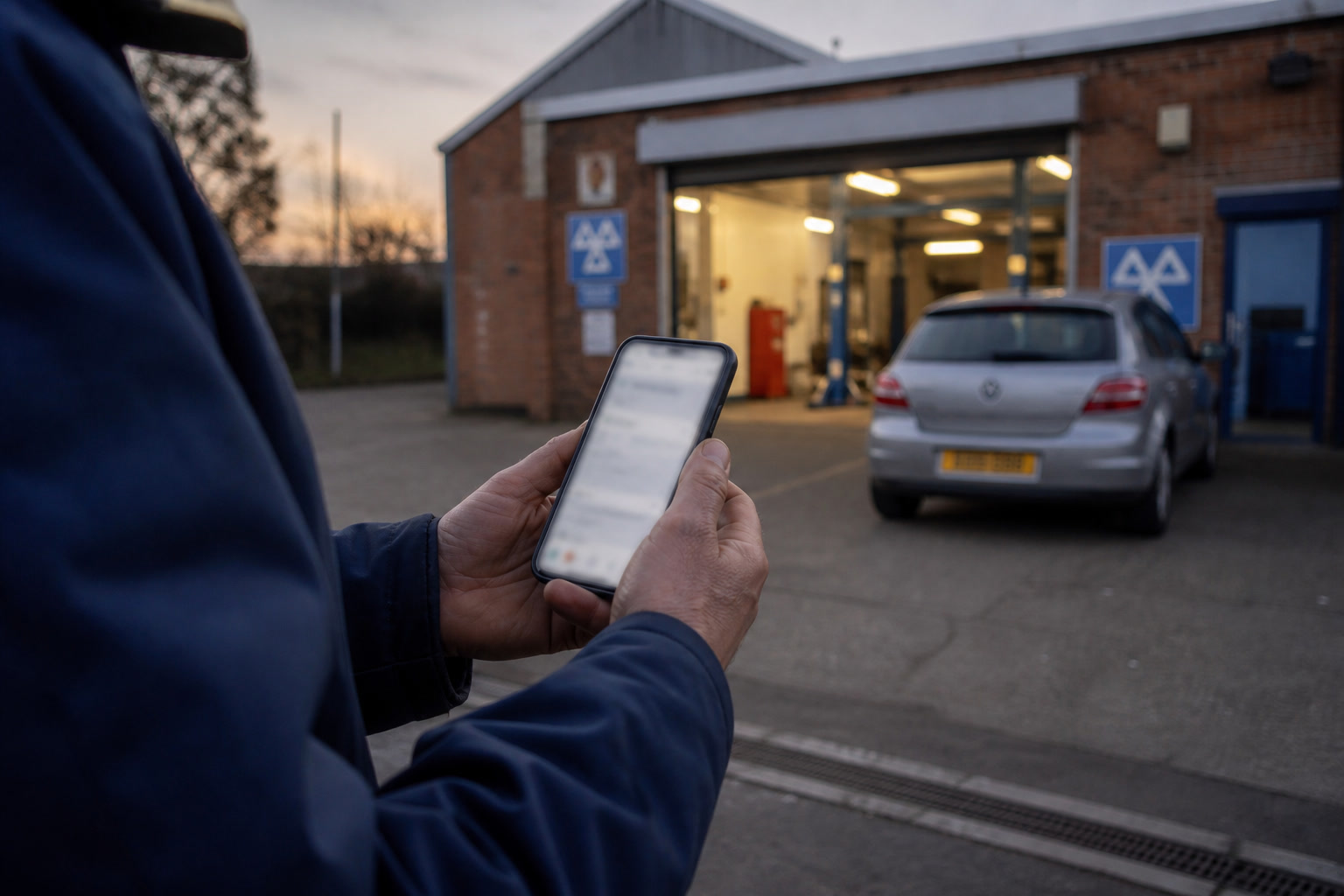
Choose a service, pick a time, enter the registration. No account to create, nothing to download, and no waiting for you to come out from under a car.
✓Two minutes. Nothing to sign up to.
What do you need?
Wednesday 26 August
Grey slots are taken.
Your registration
Try CAL 123
Booking confirmed
Reference #1071. Confirmation on its way by email.
- Job
- MOT, Class 4 (Car)
- Price
- £54.85
- Date
- Wed 26 Aug 2026
- Time
- 11:00
- Vehicle
- FORD FOCUS
What it does
-
Jobs are grouped with prices and how long they take. A customer can see what it costs before they commit, so fewer of them ring to ask.
-
You can show the old price crossed out and what they save. A sale looks like a sale, so more of them book the job you want to fill.
-
Tapping a job shows the full description first. That is how you stop people booking the wrong thing.
-
MOT and service can be one booking, with each part taking the time it really takes. Your day is not wrecked by a slot that was too short.
-
They only see times you can actually work, including lunch, full ramps and how much notice you need. You are not explaining why 10am was never free.
-
They get a reference, a calendar file, directions, and a link to change or cancel. They stop ringing to ask if they are booked in and how to find you.
Product benefit
The phone rings when you are under a car
Most independent garages take bookings on the phone and write them in a diary, which means every booking costs an interruption and the ones that come in after five o'clock are lost. A booking taken online at nine in the evening is a booking you would not otherwise have had.
See it running on your own bays
We set up a couple of your bays in your own colours, then you take a booking through it yourself.