Features For your team
Your jobs, your prices, your ramps
Set up what you sell, how long each job takes, which bays can do it, and what it costs this month.
✓Two minutes. Nothing to sign up to.
What do you need?
MOT, Class 4 (Car)
- Duration
- 1 hour
- Price
- £54.85
- Bays
- Ramp 1, Ramp 2
- Deposit
- None
What it does
-
Each job has a name, a price, how long it takes, and which ramps can do it. A slot on offer is a slot you can work.
-
You choose what the page opens on. The job you most want to sell is the first thing they see.
-
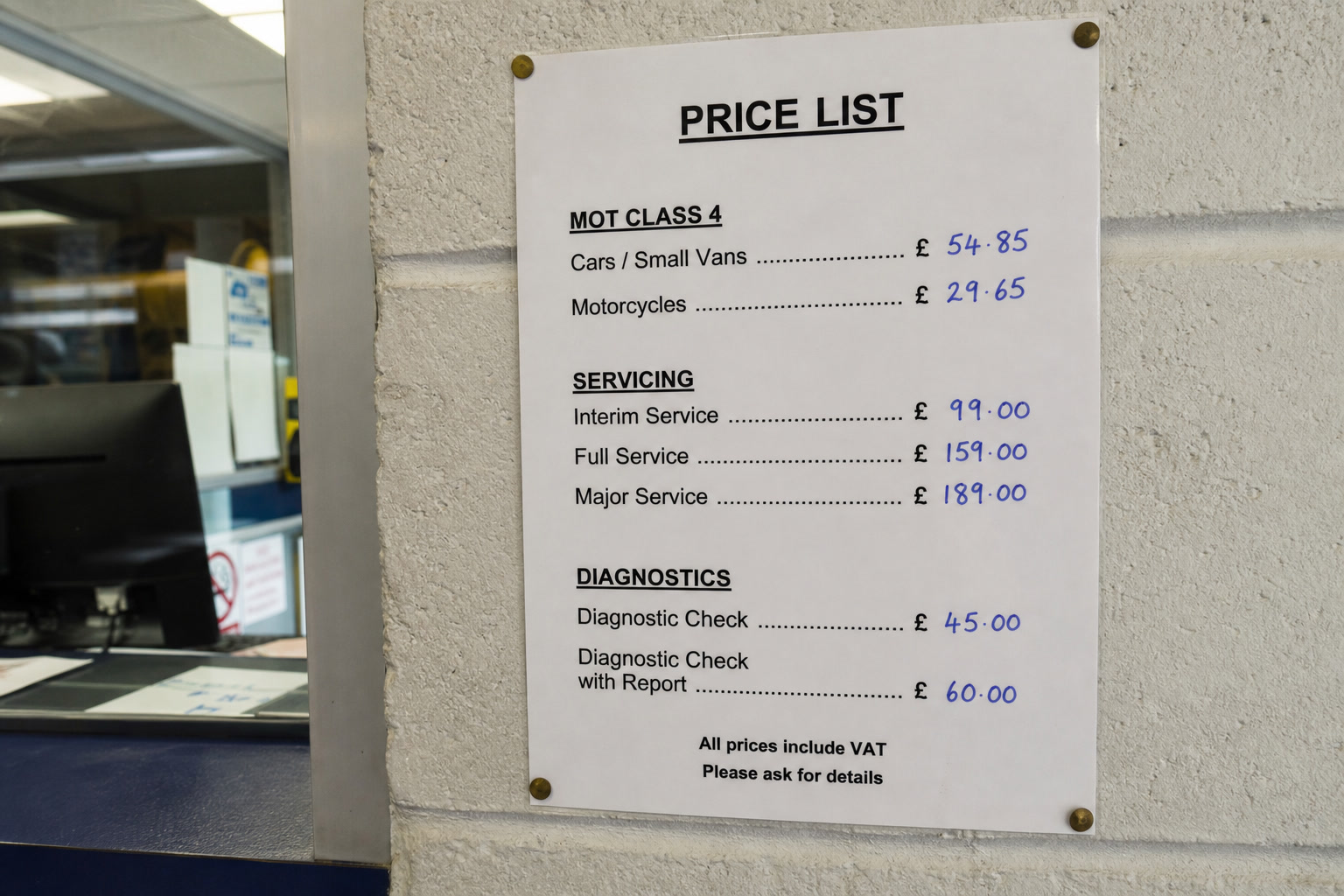
An offer has a start and end date and shows what they save. You can run MOT week without reprinting a price list.
-
MOT then service can be one booking, each part with its own time and ramp. You are not squeezing two jobs into one half hour.
-
You drag the steps to change the order. The booking follows how you actually do the work.
Product benefit
A generic slot length gets your day wrong
Booking systems built for salons give every job the same half hour. A service is not an MOT, and an MOT followed by a service is not either of them. Durations and bay eligibility are set per job, which is why a slot on offer is a slot you can work.
See it running on your own bays
We set up a couple of your bays in your own colours, then you take a booking through it yourself.